One tool that does exactly one thing properly.
Zortio is not a system optimiser and not a cleaner. It sorts a folder – and lets you see the result before it happens.
Six ways to sort
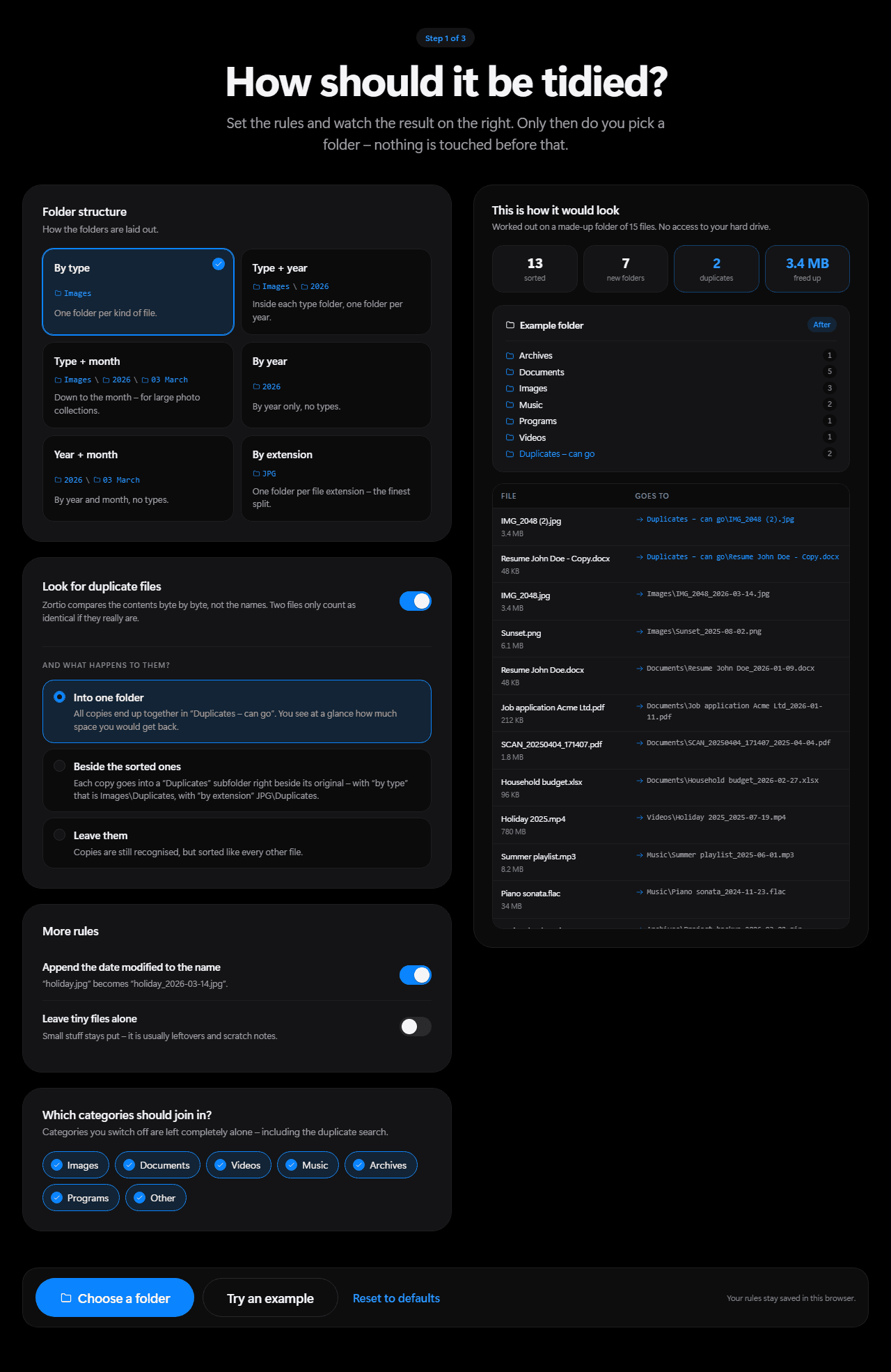
You can switch at any time. The preview recalculates instantly, without touching anything.
By type
Images, documents, videos, music, archives, programs. The default – right for most folders.
Images\holiday_2026-03-14.jpgType + year
Split by year as well. Handy when things have piled up over the years.
Images\2026\holiday_2026-03-14.jpgType + month
Down to the month. For collections where a year folder would still hold a thousand files.
Images\2026\03 March\holiday_2026-03-14.jpgBy year
The year alone, no types. The coarsest order that is still an order.
2026\holiday_2026-03-14.jpgYear + month
Year and month, no types. Good for photo folders and anything that makes sense chronologically.
2026\03 March\holiday_2026-03-14.jpgBy extension
One folder per file extension. The finest split – useful when you work with many formats of the same kind.
JPG\holiday_2026-03-14.jpg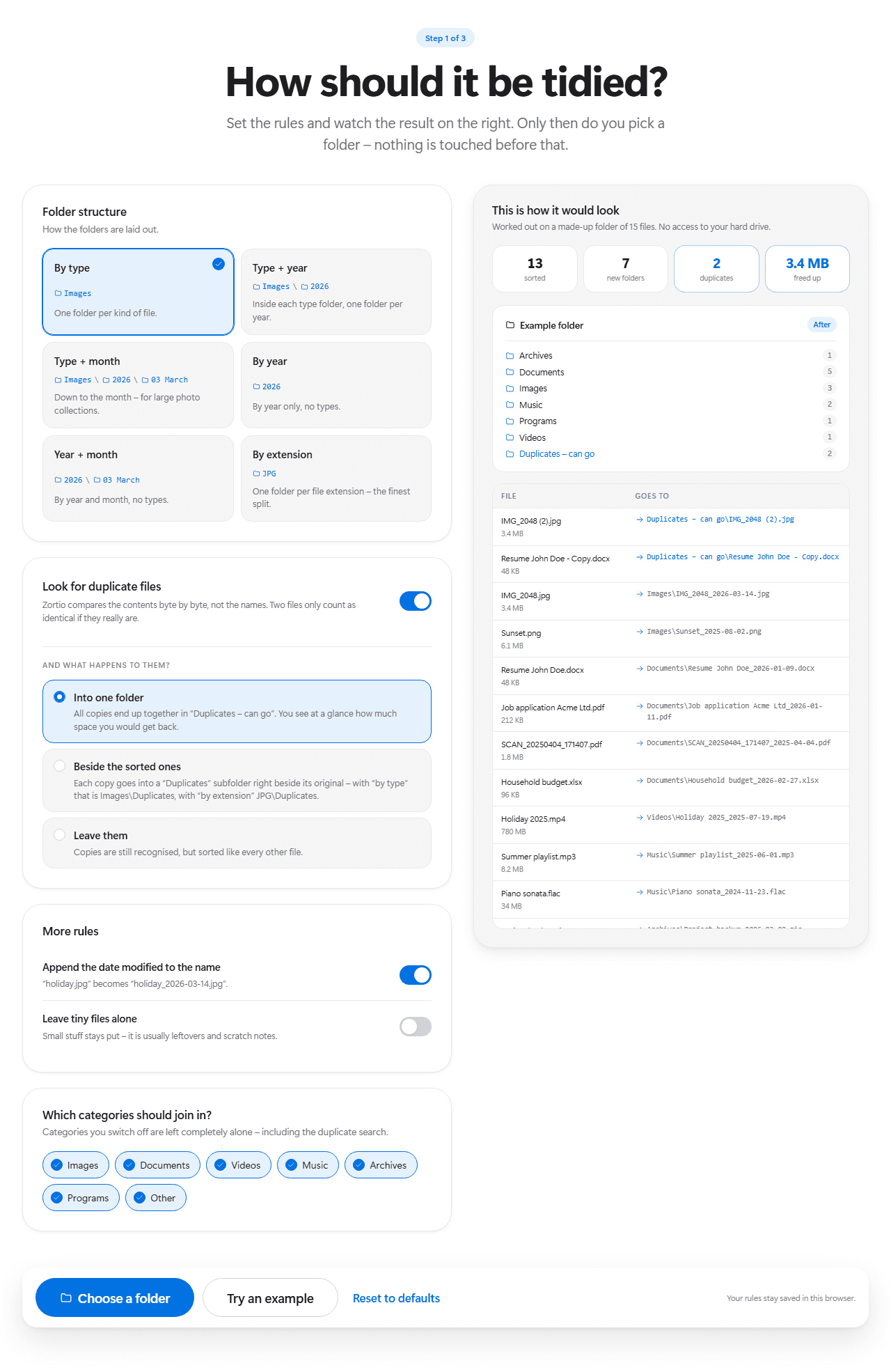
In detail
You decide the order
Six folder structures from coarse to fine, plus rules for the date suffix, duplicates, small files and individual categories. The preview works through every change instantly – before you grant access to a single folder.
Finds real duplicates
Not guessed from names but compared content by content. Zortio checks the size first, then the beginning, then the whole file. What remains is genuinely identical.
Shows you first
Preview first, decision second. You see every single file and where it would go before anything moves at all.
Everything is undoable
One click on “Undo” and every file is exactly where it was. The log stays in the folder – even after a restart.
Stays on your PC
No account, no upload, no cloud. Zortio needs no internet and sends nothing anywhere. It only reads the folder you point it at.
Nothing to install
Open the page, grant access to a folder, done. No installer, no warning on first start, nothing left behind on your disk. Next time your rules are still there.
Six promises you can rely on
A program that moves files has to prove that it is careful. These six points are wired into the program and covered by automated tests.
- It never deletes a file. Zortio moves things, nothing more. Duplicates are only set aside – into a folder you can look through before you decide yourself.
- It never overwrites. If a file with the same name is already at the destination, Zortio appends a number. An existing file is never replaced.
- System folders stay off limits. The browser itself refuses to share system folders and drive roots. That barrier is not ours – which is exactly why we cannot get around it either.
- Every move is verified. After each move Zortio checks that the file arrived complete. Only then does the step count as done.
- Everything can be undone. Every run is logged. One click on “Undo” restores the previous state – even after the program has been closed and reopened.
- Subfolders stay untouched. Zortio only touches what sits directly in the selected folder. An order you created yourself stays as it is.
What Zortio deliberately cannot do
Being honest saves you the time if you are after something else.
- No subfolders. Only the files sitting directly in the selected folder. Existing order stays.
- No tidying in the background. Zortio only runs when you start it. No service, no autostart.
- No content recognition. Zortio reads the extension and the date, not the inside of your documents.
- No cloud. No account, no upload, no network connection.
Chrome, Edge or Opera · Windows, macOS or Linux