Questions and answers
Everything people want to know before the first run.
Getting started
Pick a folder
Downloads, desktop, pictures – any folder that has become hard to look at.
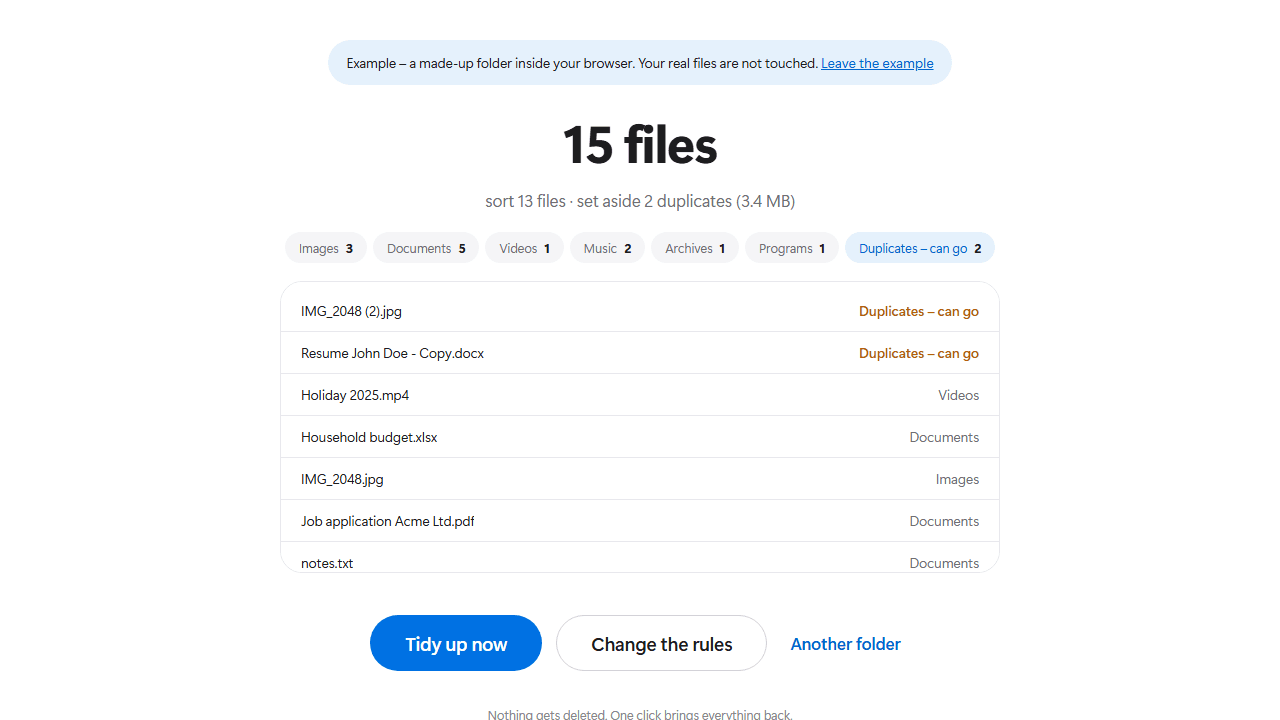
Look at the preview
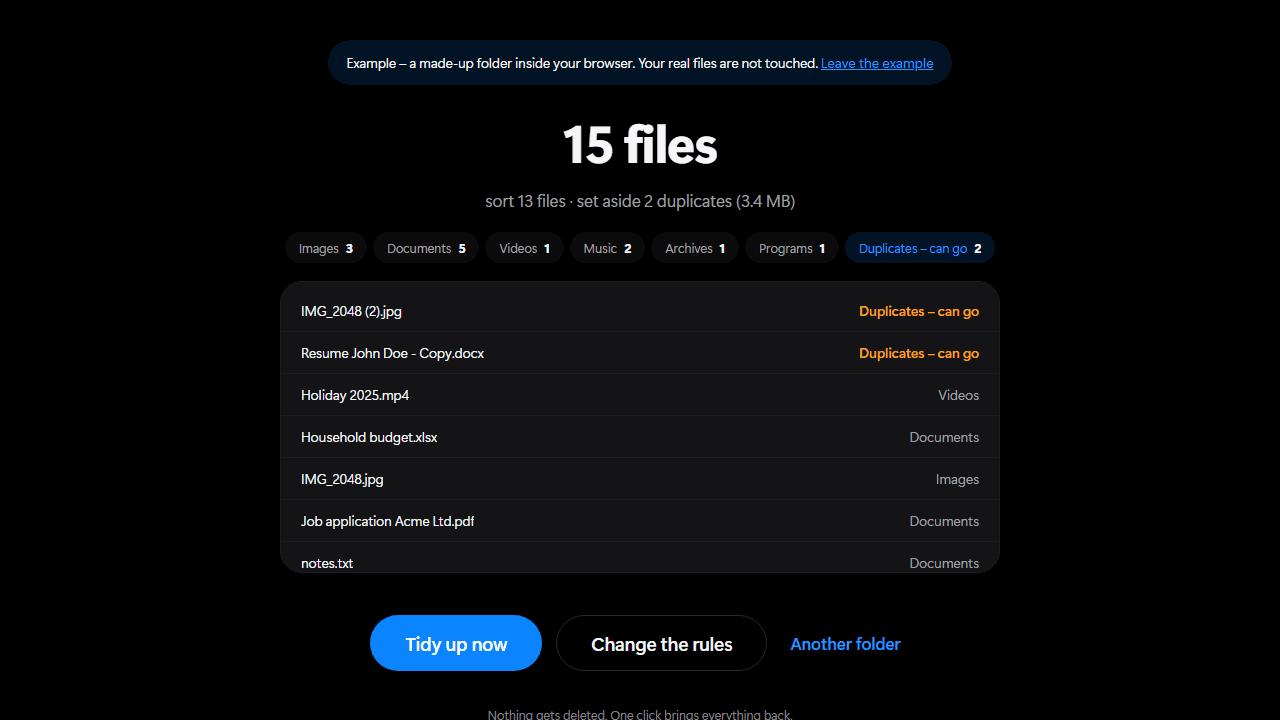
Zortio reads the folder and shows you a list: which file goes where, which one is a duplicate.
Tidy up
One click. The files move into their folders. Duplicates get a place of their own.
Undoing a run
After every run there is an “Undo” button at the bottom. It puts every file back exactly where it was and removes the folders Zortio created – provided they are empty.
- Even after a restart. Every run is logged into a hidden folder called .zortio. Zortio offers you the undo again the next time you open it.
- Without losing data. If the original name is taken by now, the file gets a number instead of being overwritten.
- Your folders stay. Only folders Zortio created itself are removed again – and only if nothing is left inside them.
Common questions
Does Zortio cost anything?
No. Zortio is free, there is no trial period and no feature behind a paywall.
And so you can rely on that: everything you see in the program today stays free. Should there ever be something extra for companies – fixed rules for entire network drives, say – it changes nothing about the version you download here.
The website is funded by advertising. The program itself shows no ads and never will.
Do I have to install anything at all?
Nothing whatsoever. Zortio runs entirely inside your browser. There is no file to download and nothing left behind on your disk.
Everything still stays on your computer: the browser asks you for a folder and Zortio works only inside it. Nothing is uploaded – once the page has loaded it even keeps working without an internet connection.
You will need Chrome, Edge or Opera. Firefox and Safari cannot grant folder access yet.
Will my files be deleted?
No. Zortio moves files, it deletes none. Duplicates end up in a folder called “Duplicates – can go”, so that you decide yourself.
If a file with the same name is already at the destination, Zortio appends a number instead of overwriting.
What if I do not like the result?
Then you click “Undo” and everything is back where it was.
Zortio writes a log into a hidden folder called .zortio on every run. That is why undo still works after you have closed the program in between.
Are subfolders tidied too?
No, deliberately not. Zortio only touches the files sitting directly in the selected folder.
Subfolders usually already have an order that somebody created on purpose. Messing that up would be the opposite of tidying.
Does Zortio send data to the internet?
No. The program has no network functionality. It needs no account, no sign-in and no internet connection.
It reads exactly one thing: the folder you select.
Why does the browser ask for permission?
Because a website has no business reaching your files on its own – and that is a good thing. The folder dialog comes from the browser itself, not from us.
You grant access to exactly one folder, and that is the only one Zortio sees. Other folders, drives and system directories stay out of reach. The permission ends the moment you close the tab.
Where are my settings stored?
In your browser’s local storage, on your own device. Next time you visit, your rules are exactly where you left them.
None of it is transmitted. Clearing your browser storage brings back the defaults – nothing more happens than that.
Which files does Zortio leave alone?
Hidden and system files, shortcuts (.lnk, .url), half-finished downloads and temporary files. Moving those would break them or leave them pointing nowhere.
Files currently in use by another program also stay put. Zortio tells you afterwards how many those were.
Is Zortio available in English?
Yes. The settings let you switch between German and English.
The language also decides what the created folders are called: “Bilder” or “Images”. So if you switch languages, do not run an already tidied folder again with the other setting – you would end up with both folders side by side.
Is there a Mac or Linux version?
Yes. Zortio runs in the browser and therefore on any operating system – Windows, macOS and Linux alike.
What matters is not the system but the browser: Chrome, Edge and Opera can grant folder access, Firefox and Safari cannot yet. That is also why it will not work on an iPhone or iPad even with Chrome – every browser there uses Safari underneath.
Question not covered?
Write to us. Describe as precisely as you can what you did and what happened – ideally with the contents of .zortio\Protokoll.txt from the affected folder. legal@gaeaoperations.com
Chrome, Edge or Opera · Windows, macOS or Linux